
Dental & Medical Supplies
Track every lot, expiry date and clinic account.
A POS and inventory system for dental and medical supply businesses. Track lot numbers and expiry dates, give each clinic its own prices, and collect payments on time.
COMMON PROBLEMS
Do these problems sound familiar?
Supplies that expire
Anesthetics, impression materials and sterile items expire on the shelf without anyone noticing.
Different prices per clinic
Each dentist, clinic and hospital has its own prices and balance.
Too many small items
Many sizes, shades and variants make items hard to find and count.
TOP FEATURES
How TinkerPro helps your business
Lot number and expiry date tracking
Record the lot number and expiry date of every delivery. Use the oldest stock first.
See how it works →- Filter items by expiry date
- See near-expiry and expired items on your dashboard
- Return near-expiry items to your supplier
Serial numbers for equipment
Track handpieces, curing lights, dental units and other equipment by serial number.
See how it works →- See which unit was sold to which clinic
- Check warranty details in seconds
- See which units are in which branch
Prices and balances for each clinic
Give each dentist, clinic and hospital its own prices, and see how much each one owes you.
See how it works →- Set a price list for each clinic
- Sell on credit and send a statement of account
- Record each payment against the clinic’s balance
- See unpaid balances, starting with the oldest
INVENTORY
Always know your stock
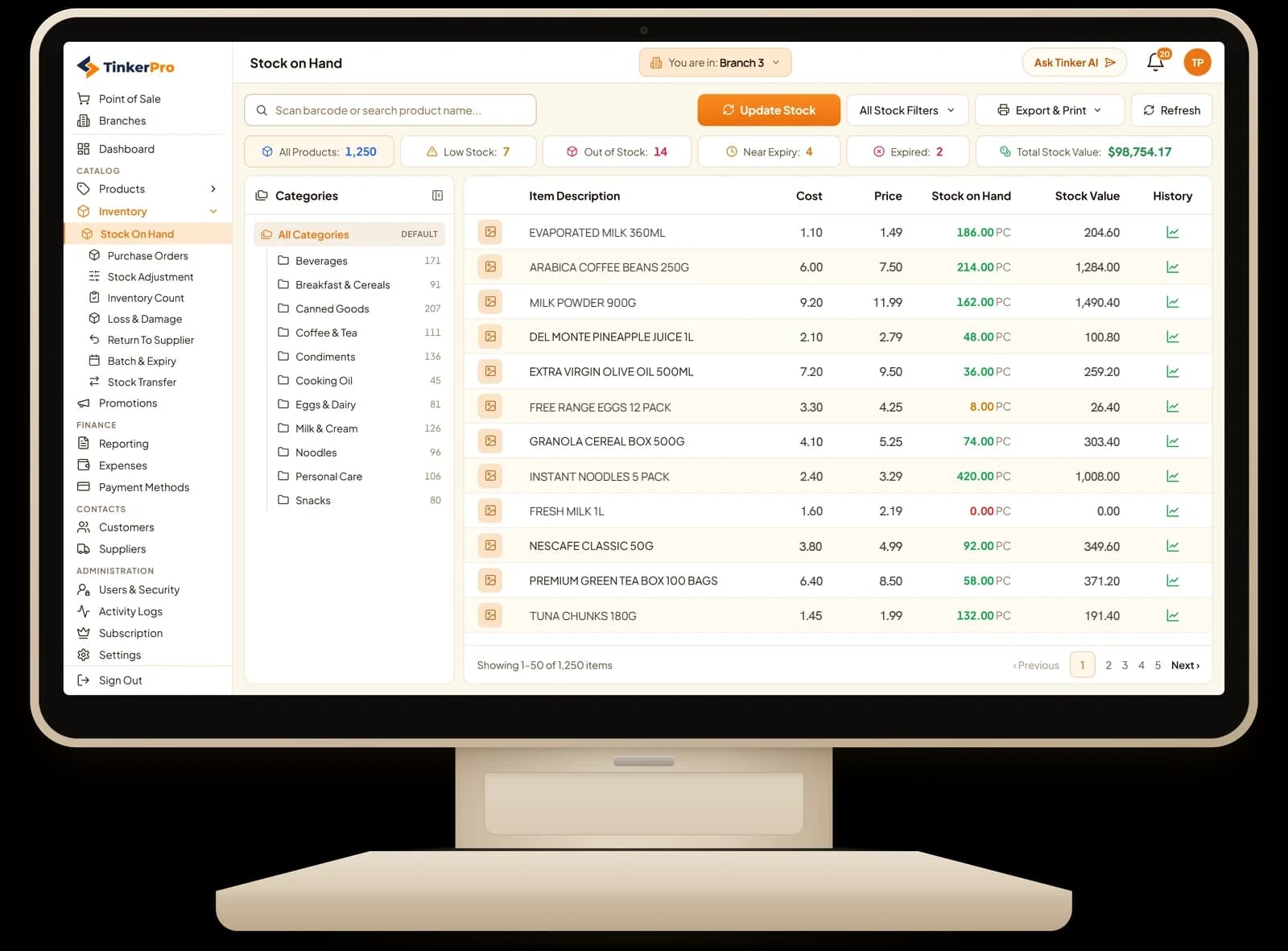
Small items in many sizes and shades are easy to lose track of. TinkerPro keeps the correct stock of every variant, in every branch.
Real-time stock
Your stock is updated after every sale, in every branch.
Low-stock alerts
See which items are running low, and get a list of what to reorder.
Purchase orders
Order from suppliers, receive full or partial deliveries, and see how much you still owe.
Inventory count
Count one section at a time while the store stays open.
Stock transfer
Send stock from one branch or warehouse to another, or request it.
Loss and damage
Record damaged, expired or missing items and see how much each loss cost you.
MORE FEATURES
More features for your business
All part of TinkerPro Retail ERP. Start with the free POS, then upgrade to Pro for inventory and reports.
Box to piece
Buy by the box and sell by the piece. The stock is converted for you.
See how it works →Shelf location and categories
Sort items by category and shelf location, so staff can find the right size and shade quickly.
See how it works →Return to supplier
Return wrong, damaged or near-expiry items. Your stock and payables are updated.
See how it works →Compare supplier prices
See the price of each supplier for the same item, and buy from the cheapest.
See how it works →Staff access
Give each staff member access only to what they need.
See how it works →Reports for every branch
Sales, stock and profit for one branch or all branches. Export to Excel or PDF.
See how it works →COMMON QUESTIONS
Frequently asked questions
Still not sure? Try TinkerPro in our free demo store. Instant access.
Yes. Record the lot number and expiry date of every delivery. You can filter items by expiry date and see near-expiry items on your dashboard.
Yes. Record the serial number of every unit you receive and sell. You can see which unit went to which clinic and check its warranty in seconds.
Yes. Create a price list for a group of clinics or for one clinic. The right price is used at checkout.
Yes. Credit sales are added to the clinic’s balance. You can send a statement of account and record each payment until the balance is paid.
No. Start with the free POS, and upgrade to Pro only when you need inventory, reports and price lists. When you open a new branch, add it to the same account.
GET TINKERPRO
Works on your device
Use TinkerPro on the phone, tablet, or computer you already have.
Android
Windows
iPhone & iPad
Web App
Download the Android or Windows app to keep selling offline and print receipts.